


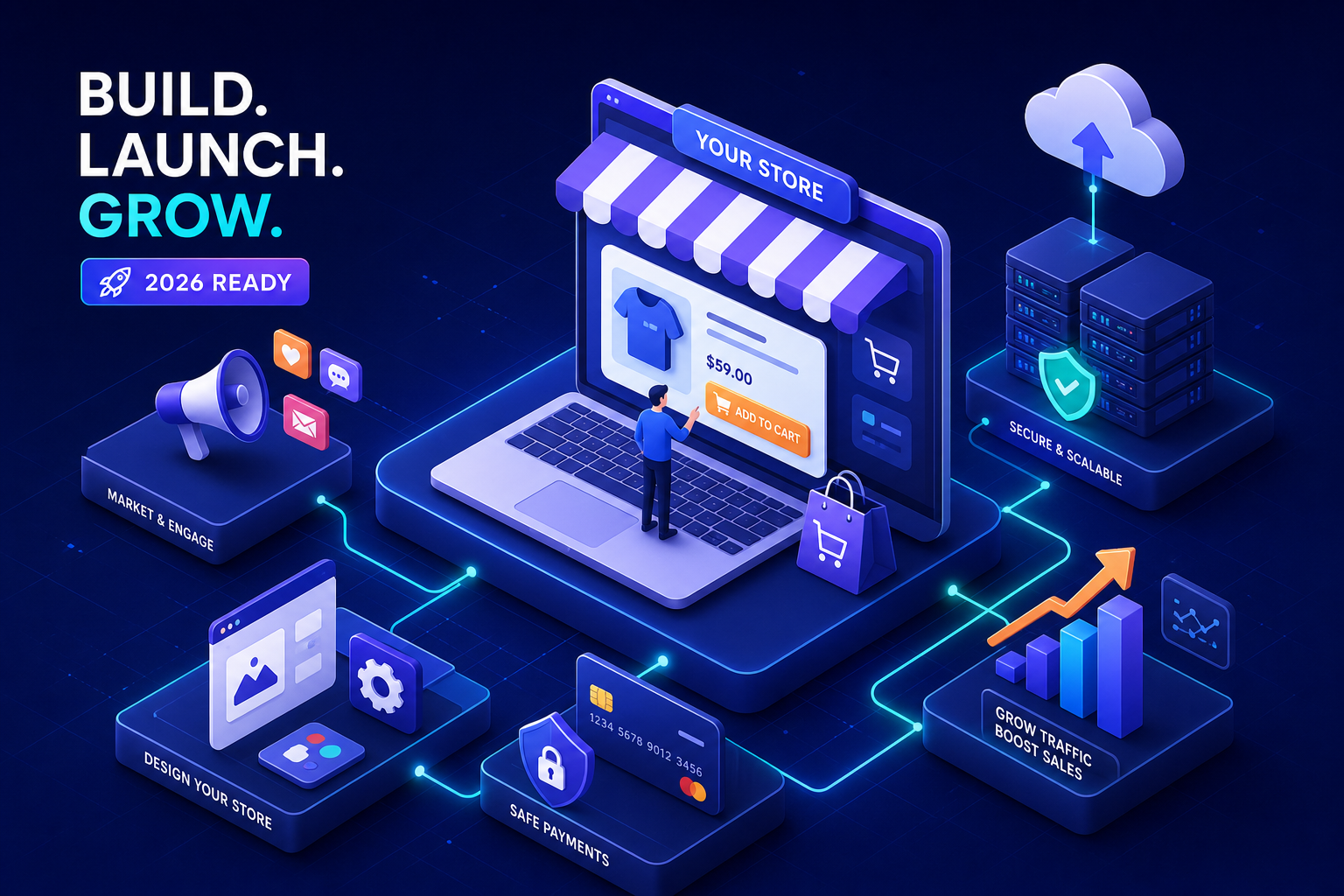
Explore the complete ecommerce website development guide for 2026. Levree covers planning, design, features, and growth.
Building an online store sounds manageable until you start counting the decisions. Platform selection, payment gateway configuration, mobile checkout flow, product page design, shipping rules, SEO setup, each one compounds on the last, and making the wrong call early creates expensive rework down the track. Ecommerce website development is a multi-phase process that touches strategy, design, technical architecture, and ongoing performance work, and most business owners don't see the full picture until they're already mid-project.
This guide cuts through the noise. Whether you're weighing a hosted builder against a custom build, trying to estimate realistic costs, or simply need to understand what a full ecommerce website development project actually involves, you'll find straight answers here. By the end, you'll know which approach fits your business, what to budget, and what your launch checklist needs to cover before a single product goes live.
What building an online store actually involves
Most business owners think the process starts with picking a platform and ends when the site goes live. The reality is more layered. A proper ecommerce website development build runs through discovery and platform selection, information architecture, UI design, development, product setup, payment integration, testing, and a post-launch phase that catches the problems testing missed. Each phase carries its own timeline and cost implications, and skipping any of them creates downstream problems.
The phases that catch people off guard tend to be the non-obvious ones: mobile optimisation, Core Web Vitals performance testing, SEO configuration, legal compliance (privacy policy, terms of service, tax rules), and inventory system setup. These aren't optional extras. They're the difference between a store that functions and a store that actually converts and ranks. Paying to fix them retroactively costs significantly more than building them in from the start.
A full-service agency handles the entire scope under one roof, from strategy through to go-live support. That structure eliminates the coordination overhead of managing a designer, a developer, and an SEO consultant separately. For businesses that want the build handled without project-managing multiple contractors, that model pays for itself quickly. Levree for example, works with Sydney businesses through exactly this kind of end-to-end engagement, from the first strategy call through to a production-ready store handover.
Choosing your ecommerce platform: hosted, self-hosted, or headless
Hosted platforms
Hosted SaaS platforms package hosting, security, and core commerce features into a monthly subscription. Shopify is a widely adopted option for serious ecommerce operations, offering strong payment processing, multichannel selling, abandoned cart recovery, and a well-developed app ecosystem. Wix suits smaller stores where ease of use and design flexibility matter more than advanced commerce features. BigCommerce sits at the enterprise end, with strong headless support and native B2B capabilities. Pricing ranges from $29 to $2,500 per month depending on plan tier, with initial setup costs between $3,000 and $10,000 when you factor in theme customisation, configuration, and product data entry. Launch timelines typically land between two and eight weeks. If you need to compare hosted options quickly, a roundup of the best ecommerce builders can help narrow choices based on feature sets and price points.
Self-hosted solutions
WooCommerce, built on WordPress, is the dominant self-hosted option. It offers deep customisation through a large plugin ecosystem and suits technical teams who want full control over their codebase, SEO configuration, and server environment. The trade-off is real: hosting, security, plugin updates, and performance optimisation sit entirely with you. Setup costs range from under $500 for a DIY build to $15,000 or more for a custom agency-developed store, with ongoing hosting and plugin costs between $20 and $500 per month. An ecommerce website builder like Shopify or Wix will reduce that technical burden considerably if you don't have in-house development capacity. For realistic budgeting, consult a detailed guide on how much an ecommerce website costs to develop , which breaks down typical agency and build expenses.
Headless ecommerce development
Headless architecture decouples the frontend from the backend commerce engine, letting development teams build custom storefronts using frameworks like React or Next.js. The performance benefits are measurable: sub-one-second load times versus three to four seconds on standard monolithic builds, and feature deployment cycles cut from eight to twelve weeks down to two to four. That cost and complexity, however, are equally real, headless builds typically require a dedicated development team and a budget to match. This approach makes commercial sense for growth-stage stores expanding across multiple channels simultaneously, web, mobile app, social commerce, and kiosks, where a differentiated experience is a genuine competitive advantage. For a deeper technical comparison of architectures, see the headless vs monolithic ecommerce guide .
Designing product pages and store UX that converts
A product page that converts isn't a photo and a price. It needs a clear product name, a description that covers both benefits and specifications, variant options, shipping timeframes, customer reviews, and visible trust signals like return policy links and security badges. Every design element on that page should reduce friction between the visitor and the "add to cart" button. If any element adds confusion rather than clarity, it costs you revenue.
Mobile commerce accounts for approximately 60% of global ecommerce sales in 2026, which makes designing for desktop and adapting for mobile the wrong order of operations entirely. A mobile-first build starts with the smallest screen, ensures tap targets are appropriately sized, images load fast on cellular connections, and the checkout flow doesn't require a keyboard to complete. Google's Core Web Vitals scoring weights mobile performance heavily, so a slow mobile experience hurts both conversion rates and organic search rankings at the same time.
Checkout is where ecommerce stores lose the most revenue. According to the Baymard Institute, the average cart abandonment rate sits around 70%, with unexpected shipping costs being the single largest driver. A distraction-free checkout page, guest checkout option, minimal form fields, and clear subtotal-versus-total visibility reduce that drop-off considerably. Offering card payments alongside digital wallets like Apple Pay and Google Pay, and a buy-now-pay-later option, covers the majority of customer preferences without adding checkout complexity. For the latest research on the cart abandonment rate and common causes, consult the Baymard Institute's findings.
Payments, shipping, and the integrations you need from day one
A payment gateway authorises transactions between your customer's bank and your merchant account. Shopify Payments, Stripe, and PayPal are the most widely integrated options across platforms, each carrying transaction fees in the range of 1.75% to 2.9% plus a fixed per-transaction cost. PCI compliance is non-negotiable. Hosted platforms handle most of this automatically; self-hosted builds require deliberate configuration. Testing the full checkout flow with a real transaction before launch is essential, not a nice-to-have. Shopping cart integration should be verified end-to-end, from product selection through to payment confirmation, before any store goes live.
Shipping rules need to be configured before go-live: flat rate, free shipping thresholds, carrier-calculated rates, and international zones all require setup and testing. Critically, shipping costs and estimated delivery windows should appear on product pages, not just at checkout. Customers who reach the payment screen and encounter unexpected shipping costs are the primary cause of cart abandonment, and showing those costs earlier removes the surprise entirely.
At minimum, a newly launched store needs Google Analytics 4 for traffic and conversion tracking, an email marketing integration for abandoned cart recovery and post-purchase sequences, and a live chat widget for real-time visitor questions. These integrations are significantly easier to plan for upfront than to retrofit after launch. As the store scales, CRM integration, inventory management systems, and marketplace connectors become relevant additions to the stack.
Your pre-launch checklist: the items that actually get missed
Most launch checklists are too long to be useful. Focus on the categories that actually determine whether a store is ready to trade:
- SSL certificate active and HTTPS confirmed across all pages
- All product pages complete with descriptions, images, variants, and pricing
- Checkout tested with at least one real transaction, not a test payment
- Mobile responsiveness verified across both iOS and Android devices
- Page speed tested and optimised, aiming for under three seconds on mobile
- Meta titles and descriptions written for all key pages
- Privacy policy, returns policy, and contact information published and accurate
- Tax rules configured for your operating regions
On launch day, submit your sitemap to Google Search Console so pages get indexed promptly. Verify that Analytics is tracking sessions, transactions, and revenue correctly. A misconfigured analytics setup means making decisions without data during the most important period of your store's life. Ensure product pages have unique meta descriptions and that category pages target the actual search terms your customers use. For a practical run-through of launch items, the ecommerce website launch checklist is a useful companion when you need to tick off technical and marketing tasks before go-live.
The two weeks after launch are when real-world problems surface. Monitor your analytics daily for unusual drop-off points in the checkout funnel. Check site speed under real traffic conditions. Respond quickly to early customer support queries. Plan your first promotional push, an email to your existing list, a social media announcement, or a launch discount, within the first week to generate initial traffic and test the full purchase flow under live conditions.
DIY builder, self-hosted, or agency: making the honest call
Hosted builders are the right starting point for most first-time store owners. Low upfront cost, fast launch times, and enough features to validate product-market fit before committing to a custom build. Self-hosted WooCommerce suits businesses that need deep customisation and have either technical capability in-house or a reliable developer relationship they can lean on. Neither path works well for businesses with complex requirements, multi-currency, custom pricing tiers, ERP integration, or a heavily branded custom experience, without significant ongoing technical investment.
An agency doesn't just install a theme and add products. A proper ecommerce development services engagement handles the full scope: platform recommendation based on your actual requirements, custom design aligned to your brand, integration setup covering payments, shipping, CRM and analytics, performance optimisation, and a handover that leaves your team managing the store day-to-day without needing technical support for every task. Levree takes Sydney businesses from initial free consultation through to a fully launched, production-ready store, handling every technical layer so the business owner can stay focused on products and customers rather than infrastructure decisions.
Before committing to any build path, get clear on your realistic budget for the first twelve months of operation (not just the build cost), whether you have the technical capacity to manage a self-hosted solution ongoing, and how quickly you genuinely need to launch. A hosted builder gets you live in two to eight weeks. A custom agency build takes eight to sixteen weeks but delivers a store built specifically for your growth trajectory rather than a template shaped around someone else's business. The right choice depends on where your business is today, not where you hope it will be.
Building it right the first time
Ecommerce website development is a multi-phase process that touches platform architecture, design, technical integrations, and ongoing performance work. The decisions you make at the start, the platform, the build approach, the payment setup, shape everything that follows. Getting those decisions right before a dollar is spent is the most valuable work you can do.
Use this guide as your pre-investment checklist. If you're a Sydney business owner who wants to skip the trial-and-error and build a store that's ready to convert from day one, a scoped consultation with a local ecommerce development team is the fastest way to get a clear scope, a realistic timeline, and an honest cost estimate for your specific store. A proper conversation before the project starts costs far less than fixing architectural decisions mid-build.


Leave a comment
Your email address will not be published. Required fields are marked *